
Photo-based redesigns
Upload your garden and generate new concepts around your current layout.
AI Garden Design App
Upload a photo of your garden, explore different styles, add or remove features, and generate polished concepts built around the space you already have.
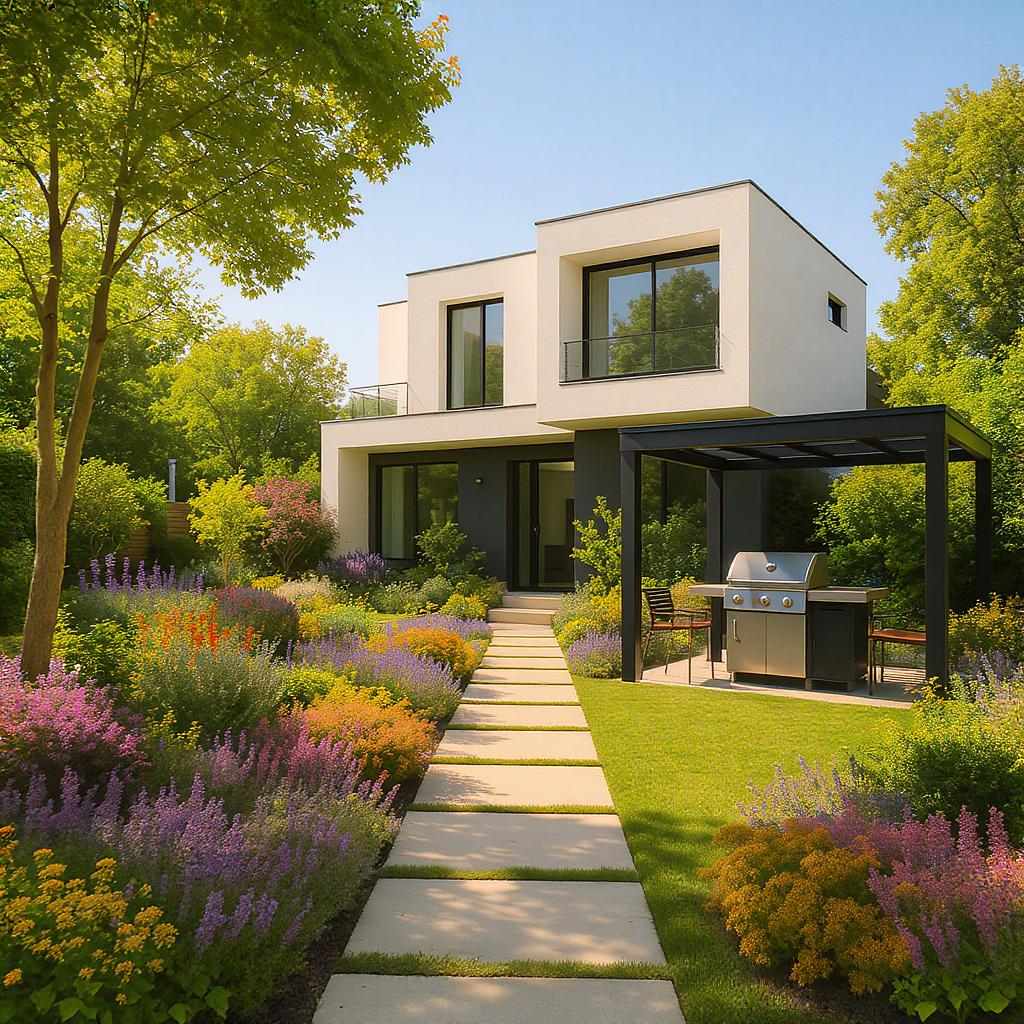
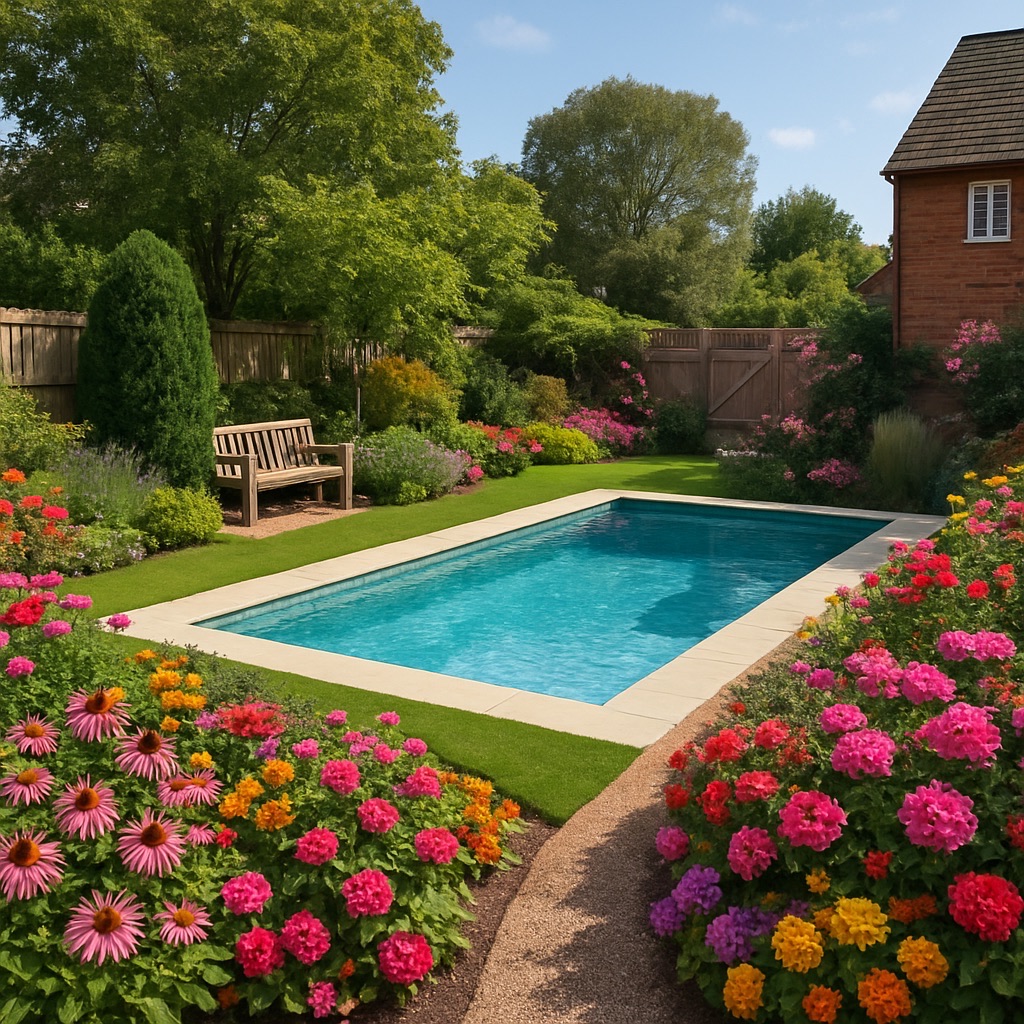
Why Garden AI Design
Garden AI Design helps homeowners explore makeover ideas before committing to a real project. Start with your existing space, test aesthetics, and discover what fits.
Upload your garden and generate new concepts around your current layout.
Preview looks like Modern, Zen, Tropical, Mediterranean, Cozy, and more.
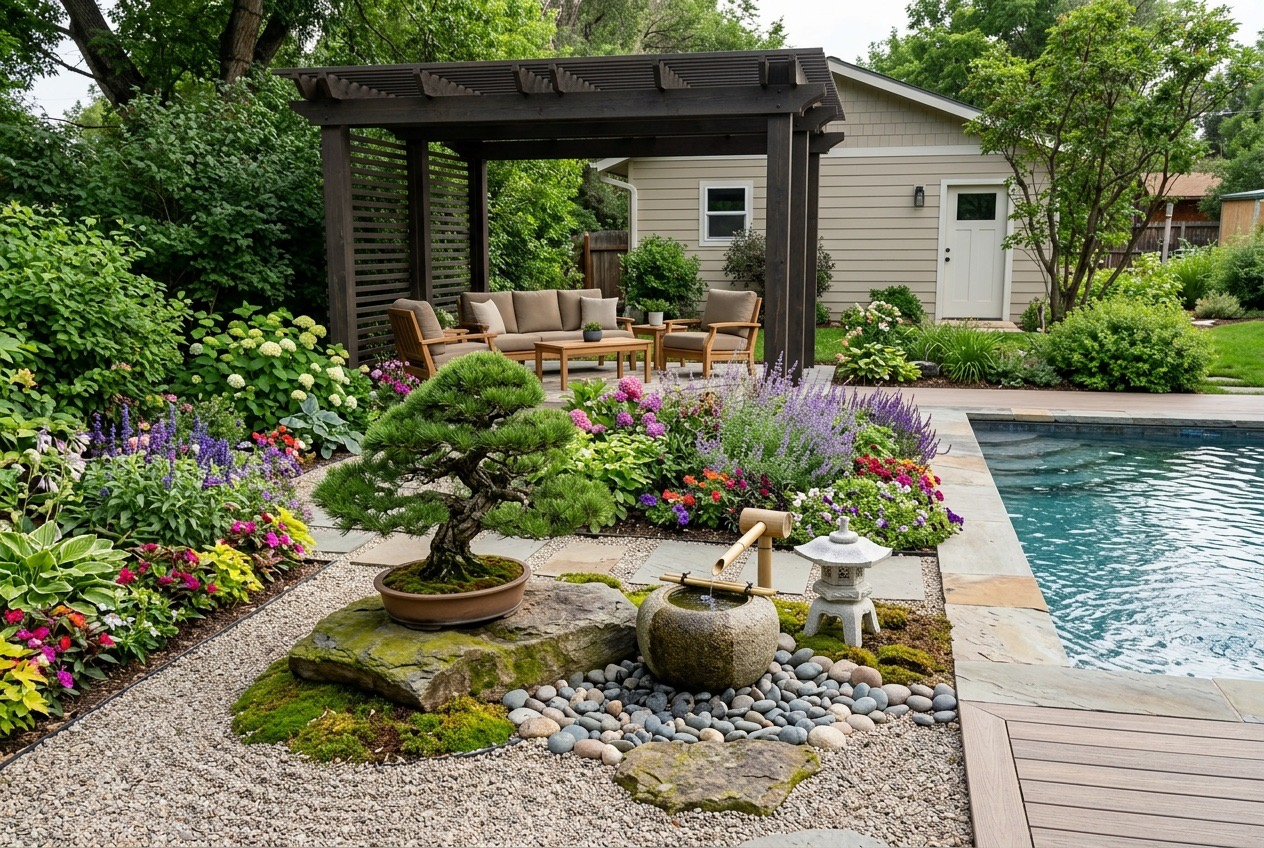
Add pergolas, ponds, flowers, seating, or remove clutter from the scene.
Describe the outdoor space you want and let AI generate a stronger direction.
Pinpoint visible plants with image markers and surface care guidance like watering, sunlight, growth, and effort.
Keep a history of generated concepts and return to earlier ideas anytime.
Before and After
One of the strongest parts of the app is the instant visual jump from the original garden to a redesigned concept.
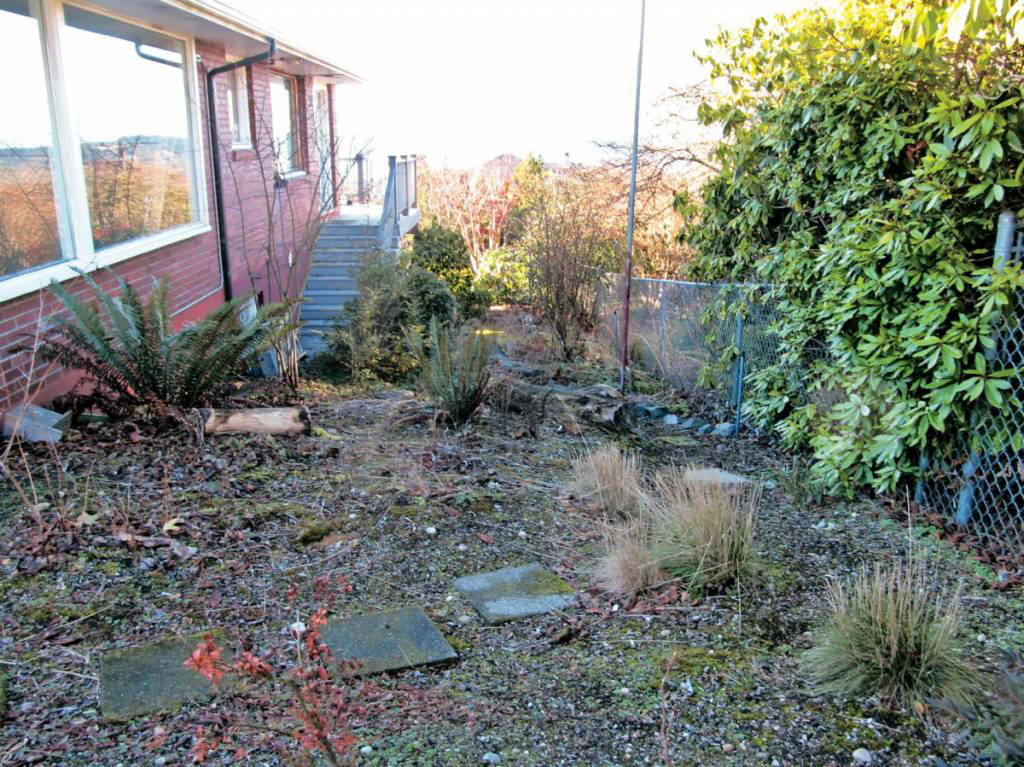
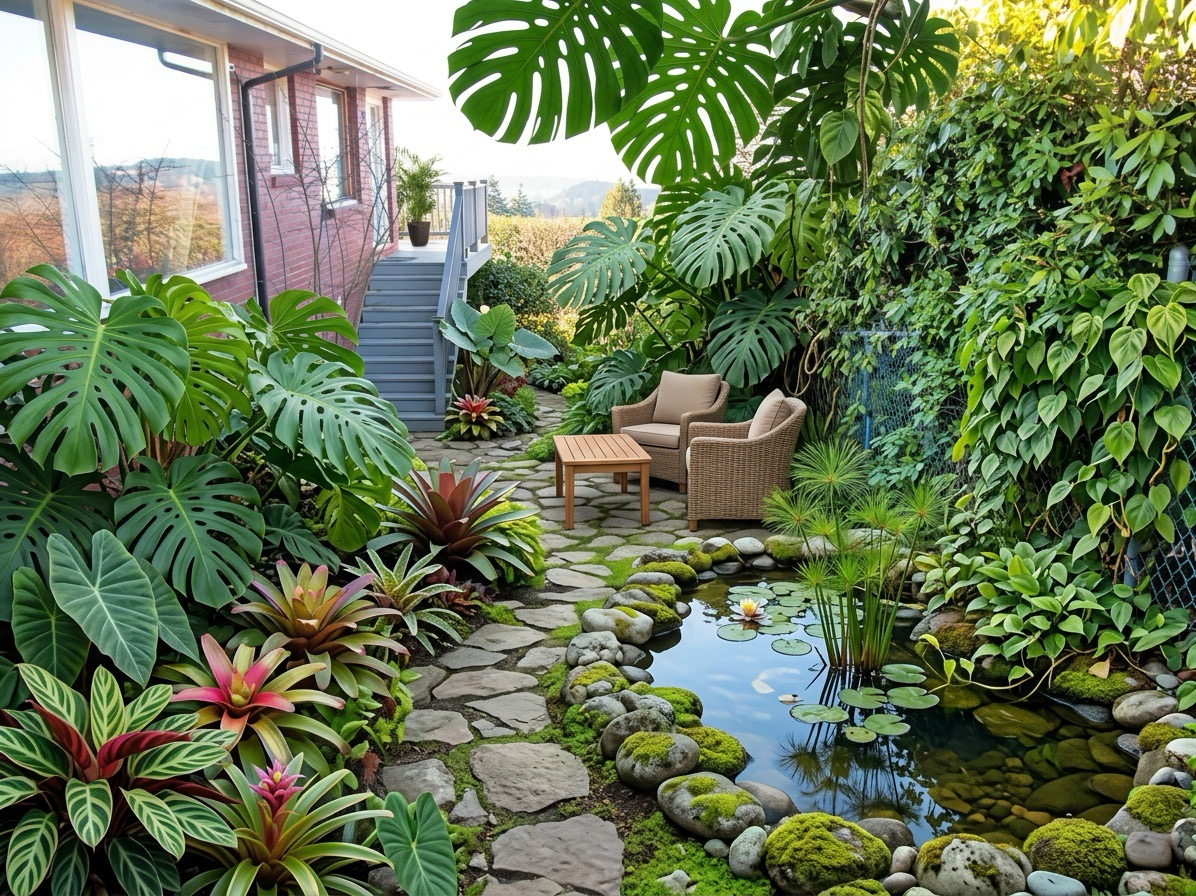
Styles
Try polished modern layouts, quieter Zen compositions, lush tropical spaces, and other looks without reworking the entire yard yourself.
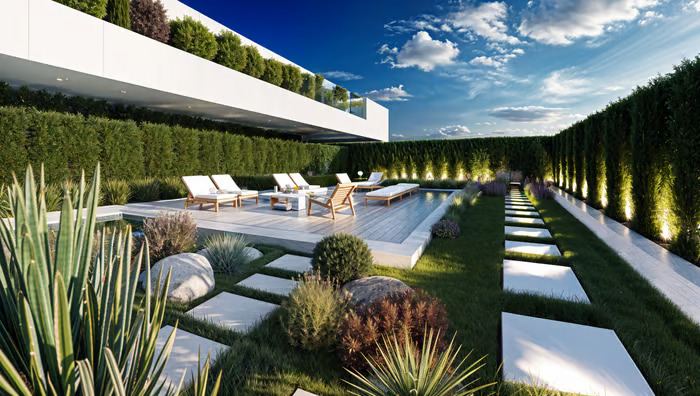
Clean lines, strong structure, and architectural planting.
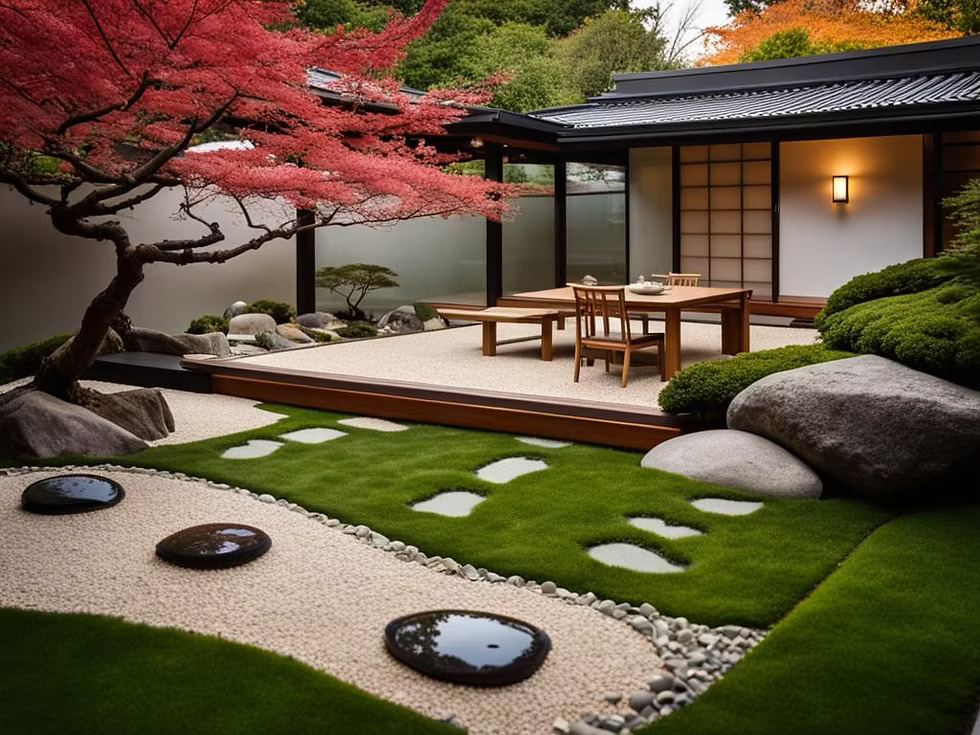
Calm, minimal spaces with gravel, water, and restrained planting.
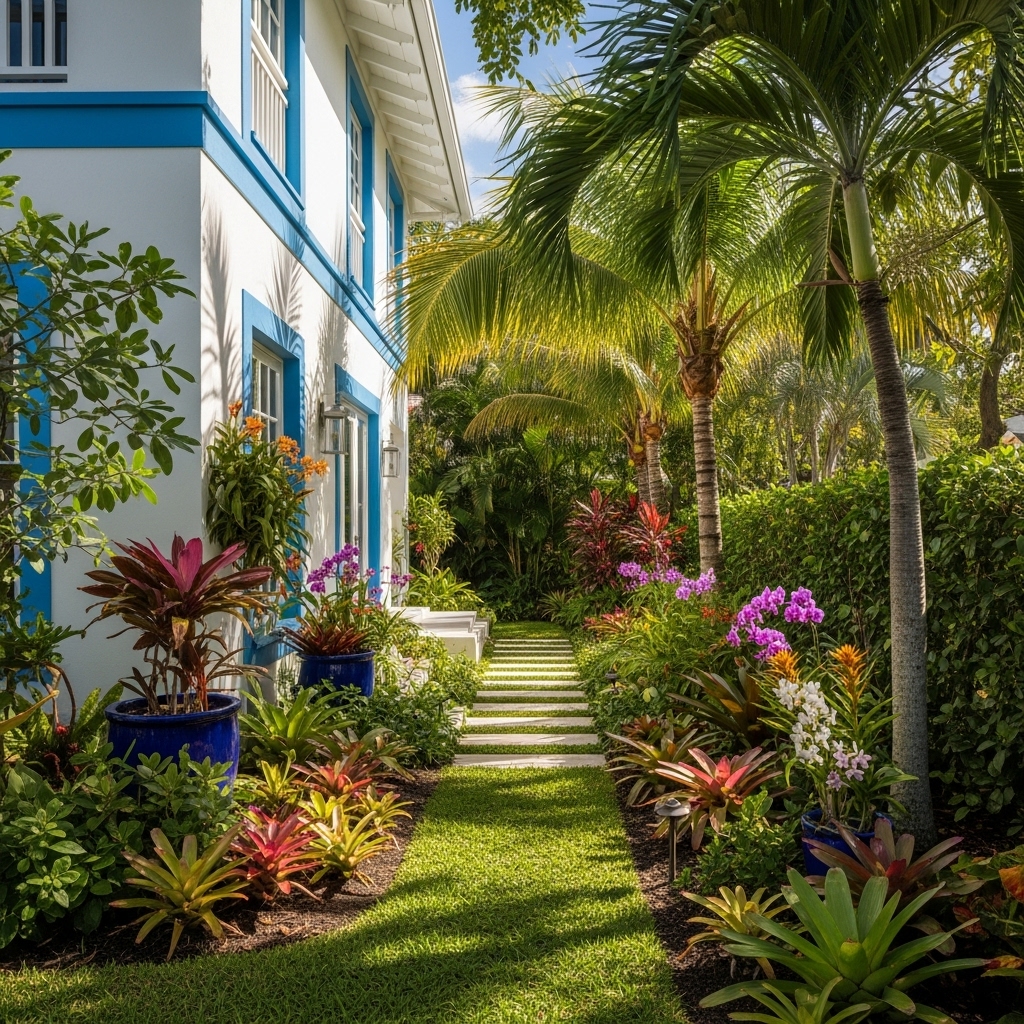
Dense greenery, richer planting, and relaxed resort-like energy.
Plant Insights
In addition to redesign concepts, the app can surface visible plant information and simple care guidance, helping connect inspiration with real garden knowledge.
FAQ
Upload a photo, pick a style or describe a goal, then generate a new garden concept.
Yes. The app is designed for quick exploration across multiple garden styles and edits.
Yes. You can test additions like pools, pergolas, flowers, and more, or clean up parts of the scene.
Yes. Plant insights can highlight visible plants and show simple care information.
Guides
Explore articles covering garden redesign ideas, style directions, outdoor features, and plant care context before you start your next project.
Get Started
Use your own garden photo, explore multiple directions, and save the ideas you want to come back to.